
Extract palettes from images
Select a photo and let ColorSnap pull out a useful group of colors. This helps you build a visual direction from real inspiration instead of starting with a blank palette.
Palette generator
ColorSnap helps you extract palettes from images so a single photo can become a reusable color system for design, development, content, or branding work.
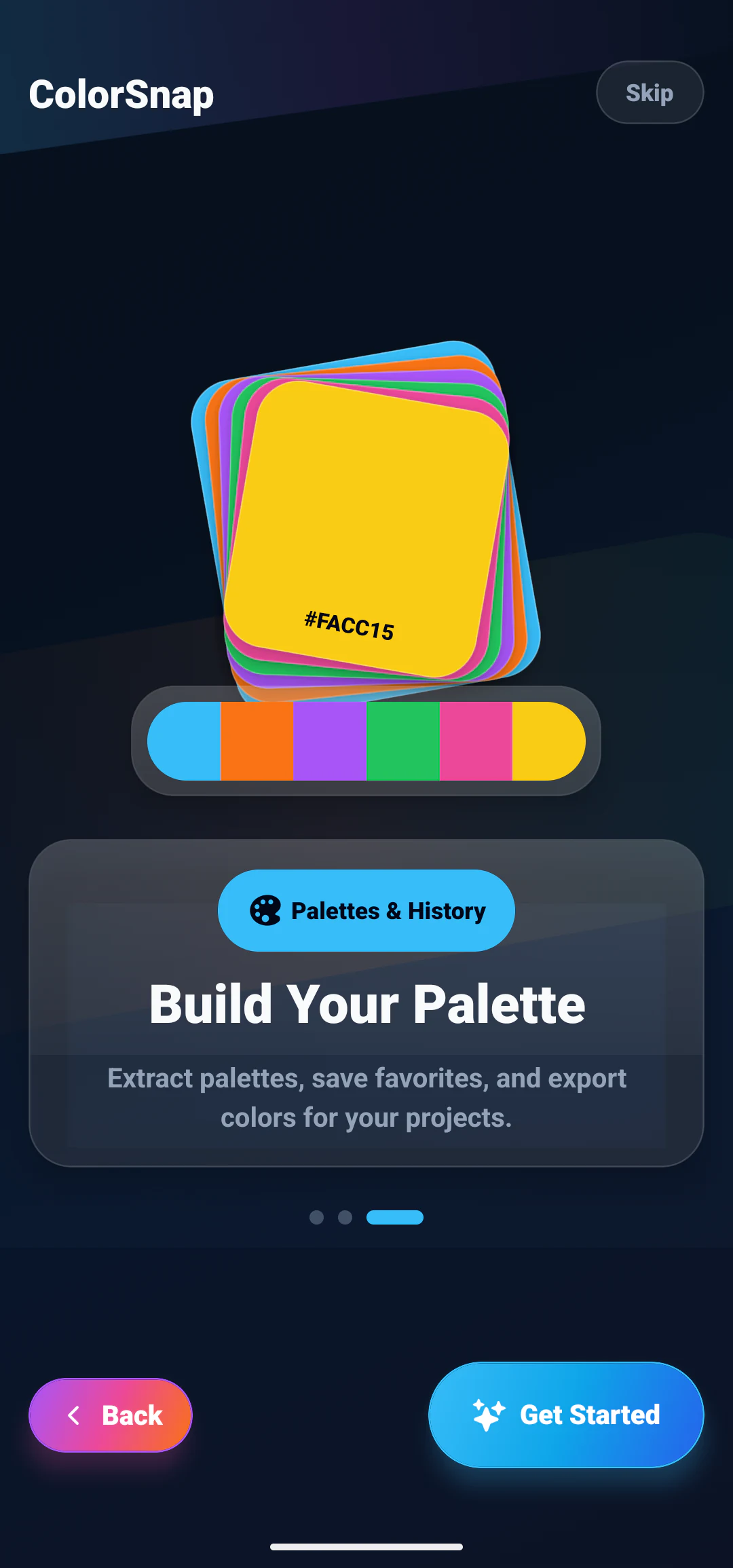
Select a photo and let ColorSnap pull out a useful group of colors. This helps you build a visual direction from real inspiration instead of starting with a blank palette.
Keep favorite colors and return to recent palette ideas when you need consistency across app screens, graphics, brand assets, rooms, or social content.
Developers can move palette values into frontend work by exporting CSS variables. Designers can copy the same color codes into tools, notes, and handoff documents.
--colorsnap-primary: #38BDF8;
--colorsnap-accent: #EC4899;
--colorsnap-success: #22C55E;Palette extraction
A picture usually holds more than one shade worth keeping. ColorSnap pulls out a set you can copy, save and reuse, which is often how a design direction actually begins.
#2A1458#EC4899#F97316#FACC15#FFF7AD#07111F#0284C7#38BDF8#67E8F9#A7F3D0#052E16#166534#22C55E#86EFAC#FACC15Helpful reading
Use these guides to refine extracted colors into readable, reusable systems for apps and creative projects.
Extract representative colors, remove duplicates, and assign useful palette roles.
Read guideExplore practical dark, light, creative, wellness, and dashboard palette directions.
Read guideConnect photo picking and palette extraction with everyday design decisions.
Read guideFAQ
Short answers about how ColorSnap works, what it costs, and what happens to your images.
Yes. The app pulls a set of representative colors out of a photo so one image can become a palette you save, copy and reuse.
Yes. It covers the everyday cases: sampling a color from a reference, naming it, pulling a palette out of a photo, and keeping the shades you reuse.
Yes. Any value can be copied to the clipboard, and colors can be shared from the app.
Yes. Colors can be marked as favorites, and recent results stay in the history list so you can return to them.
Download
Pick a color out of any photo and walk away with its name, its HEX code, and the three other formats you might need.