
Gallery Color Picker
Pick colors directly from saved images, screenshots, references, and mood boards.
Free Android color identifier
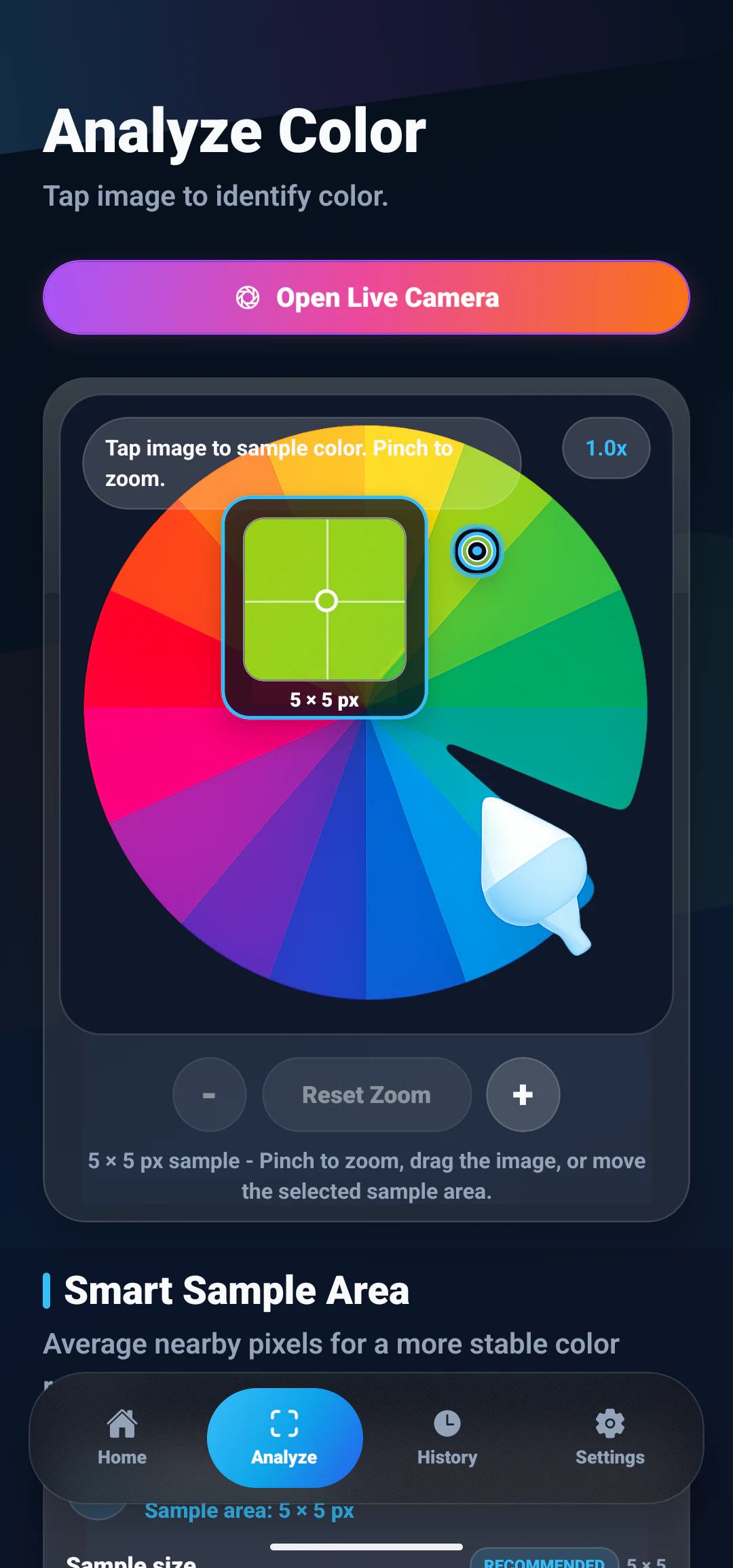
Tap a spot in any gallery image or camera photo. ColorSnap reads that exact area and gives you the nearest color name plus every code you need to reuse it.
Features
12 tools that cover the whole path from spotting a color to reusing it in a project.
Pick colors directly from saved images, screenshots, references, and mood boards.
Identify colors from camera photos when inspiration appears in the real world.
Tap the exact area you want and get focused color details without guessing.
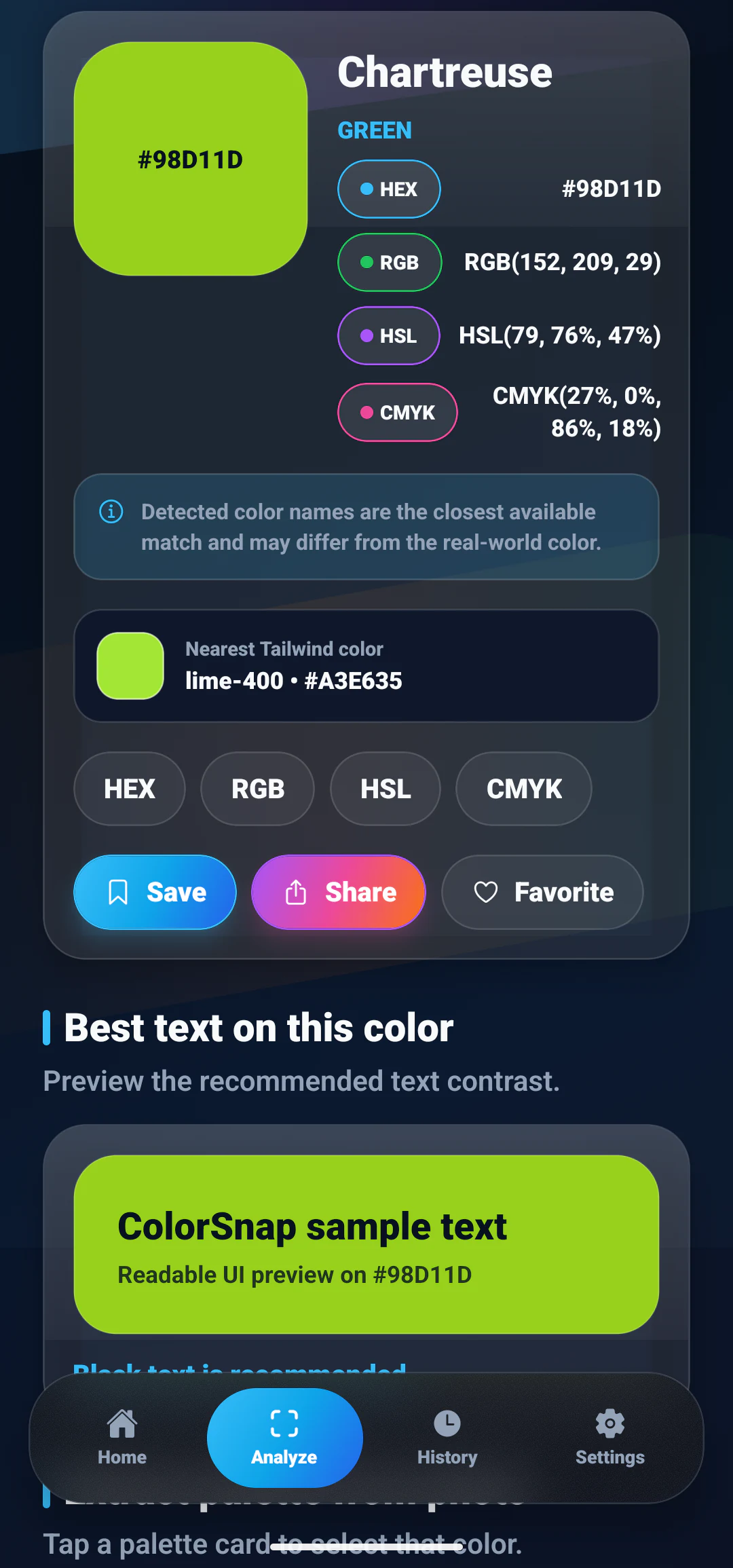
View practical color formats for design tools, CSS, apps, print, and notes.
Find the nearest readable color name so every shade is easier to describe.
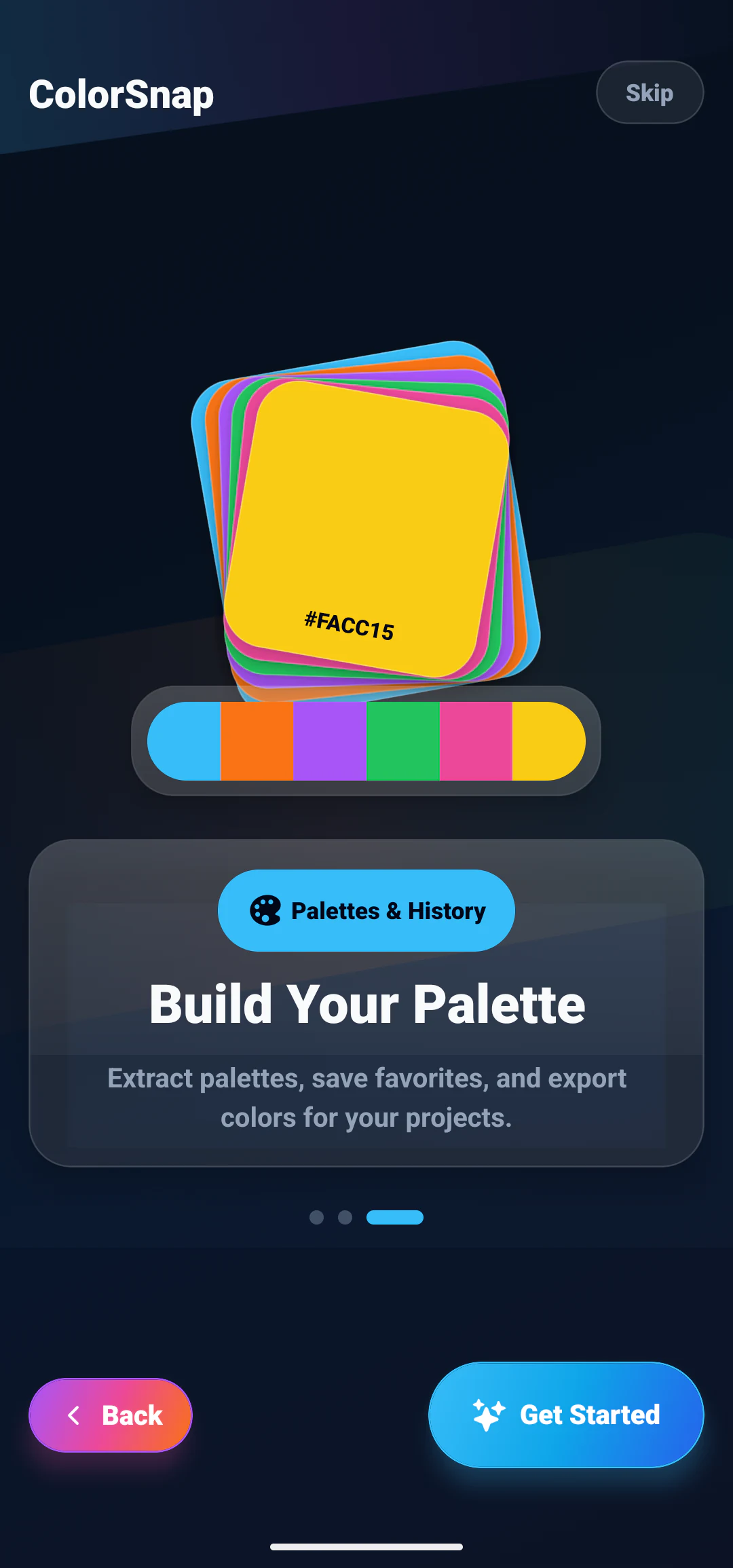
Extract a useful palette from photos and build a complete visual direction.
Enter a HEX value manually to inspect, compare, and reuse known colors.
Check color contrast for readable combinations in UI and graphic work.
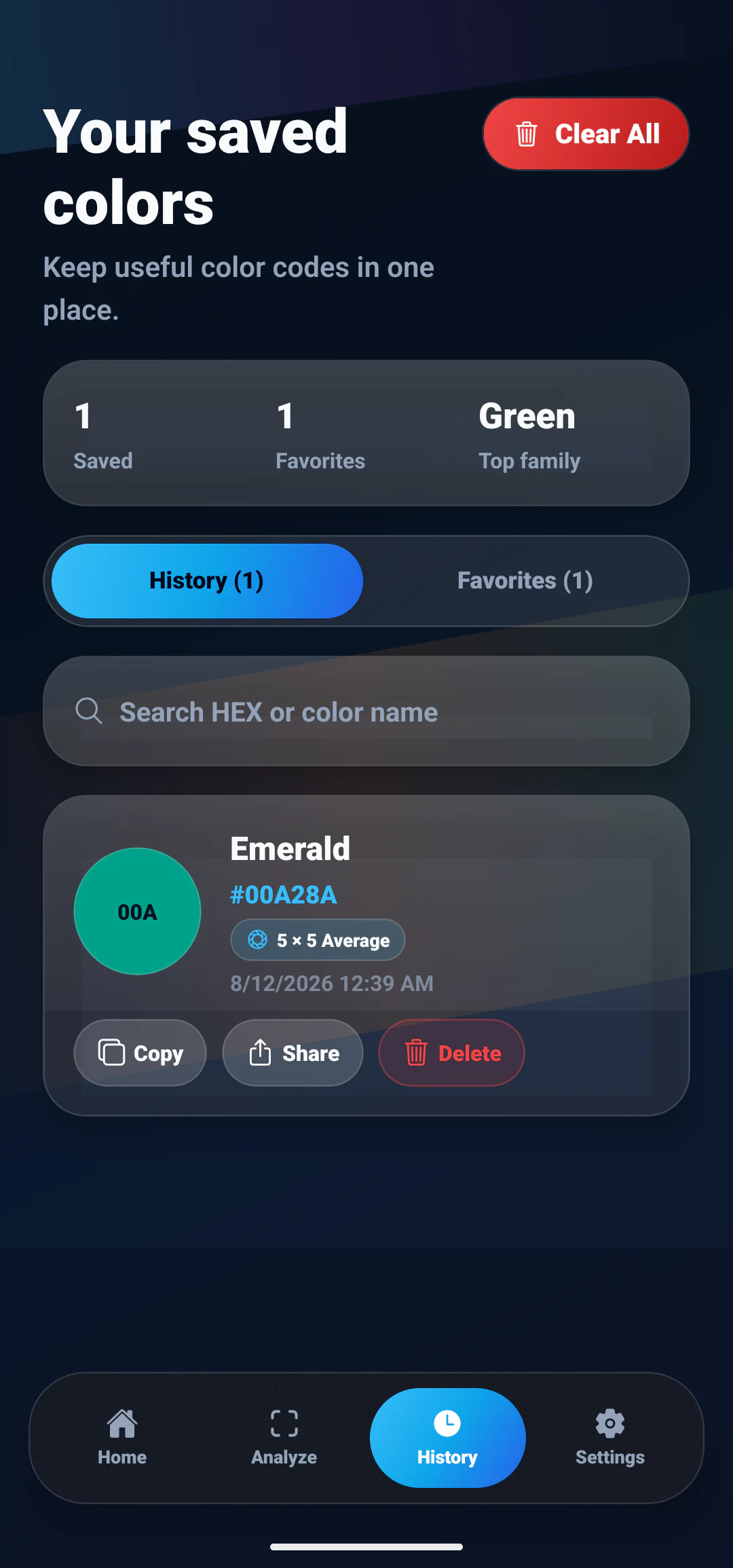
Save colors you use often and keep your best choices close at hand.
Return to recently identified colors without repeating the same work.
Export colors as CSS variables for fast handoff into web and app projects.
Everything runs on the device. No account, no ads, no network needed.
LIVE CAMERA COLOR PICKER
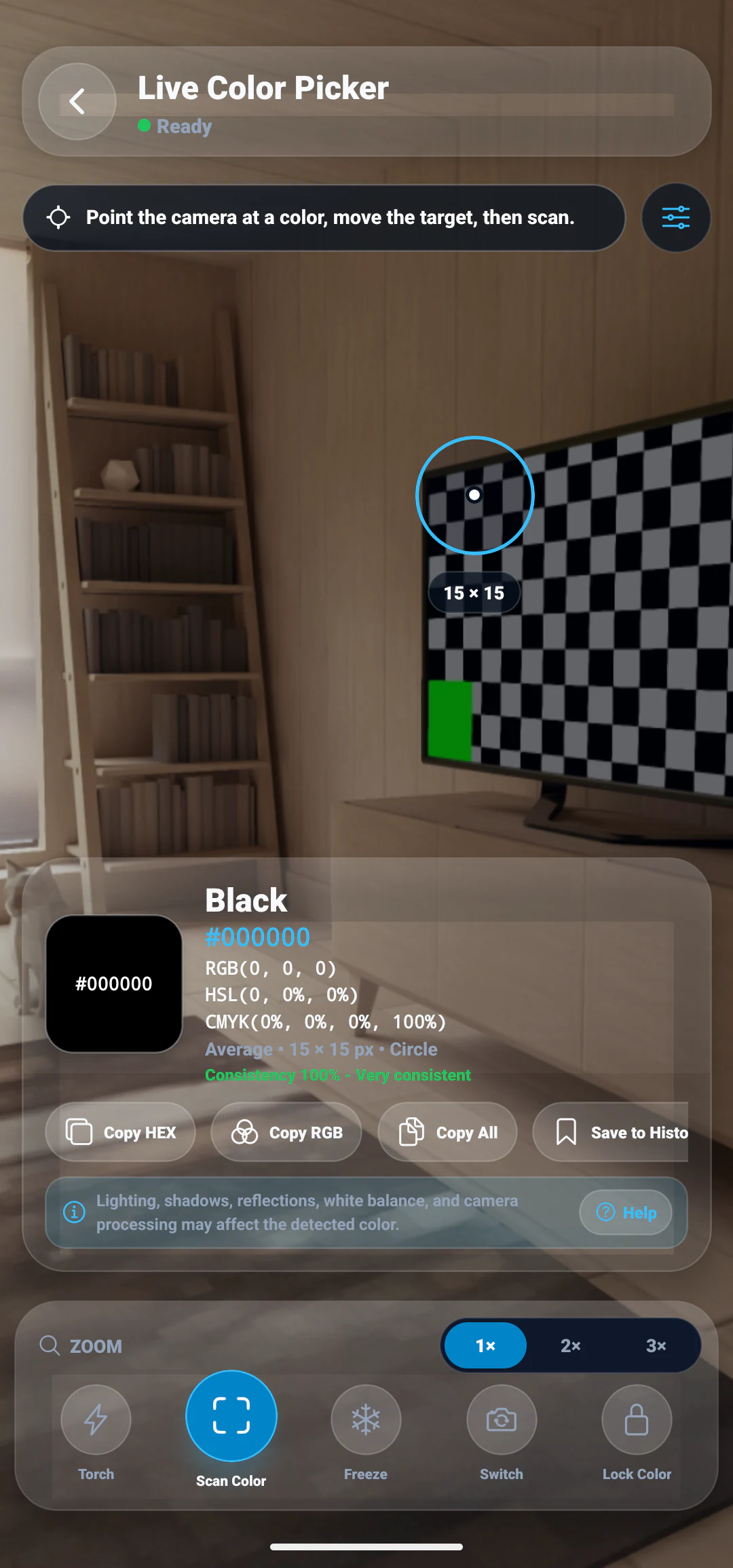
Point the camera at something, move the target over the part you care about, and scan. You get the closest color name with HEX, RGB, HSL and CMYK values, without saving a photo first.
Screenshots
The path a color takes, from the photo you open to the palette you keep.
Interactive demo
Pick a swatch or type your own HEX value to see what the app returns for a sampled color: the nearest name, four format conversions, and whether black or white text reads better on top of it.
#38BDF8Detected color details
Palette extraction
A picture usually holds more than one shade worth keeping. ColorSnap pulls out a set you can copy, save and reuse, which is often how a design direction actually begins.
#2A1458#EC4899#F97316#FACC15#FFF7AD#07111F#0284C7#38BDF8#67E8F9#A7F3D0#052E16#166534#22C55E#86EFAC#FACC15Use cases
The same handful of actions, put to different use.
Sample a shade from a screenshot, product photo or reference and carry the HEX value straight into an interface system.
Copy a HEX or RGB value out of a reference image when turning a design idea into CSS or app UI code.
Sample from artwork, posters and brand material before committing to a layout or campaign visual.
Name the colors in a scene, a material or a finished piece, and build palette ideas from what is already in front of you.
Compare wall tones, furniture, fabric and decor by photographing the real space instead of relying on memory.
See how a color name lines up with its HEX, RGB, HSL and CMYK values while putting a class project together.
Keep a brand palette consistent by deriving it from the product images and references it is meant to match.
Pull a palette from one photo and reuse it across thumbnails, posts and stories so a feed holds together.
ColorSnap guide
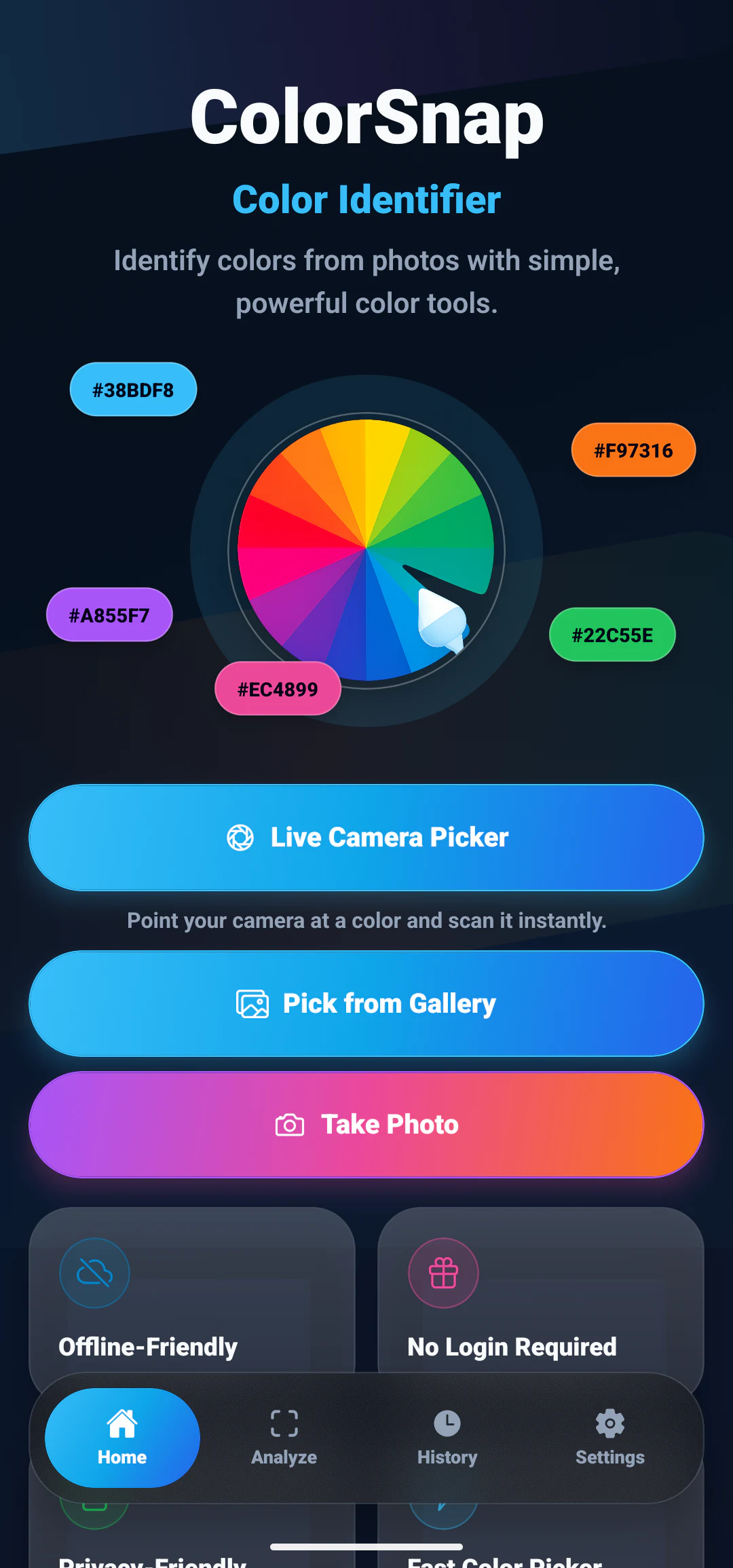
ColorSnap: Color Identifier is an Android app for people who need a color name and an exact code from a real photograph. It is free, it runs without an account, and it stays out of the way: choose an image, tap a spot, read the result.
Start with a picture from your gallery or take one with the camera. Tap the area you want to inspect and the app samples that point, so the result comes from the pixels in front of you rather than a guess about what the shade might be called.
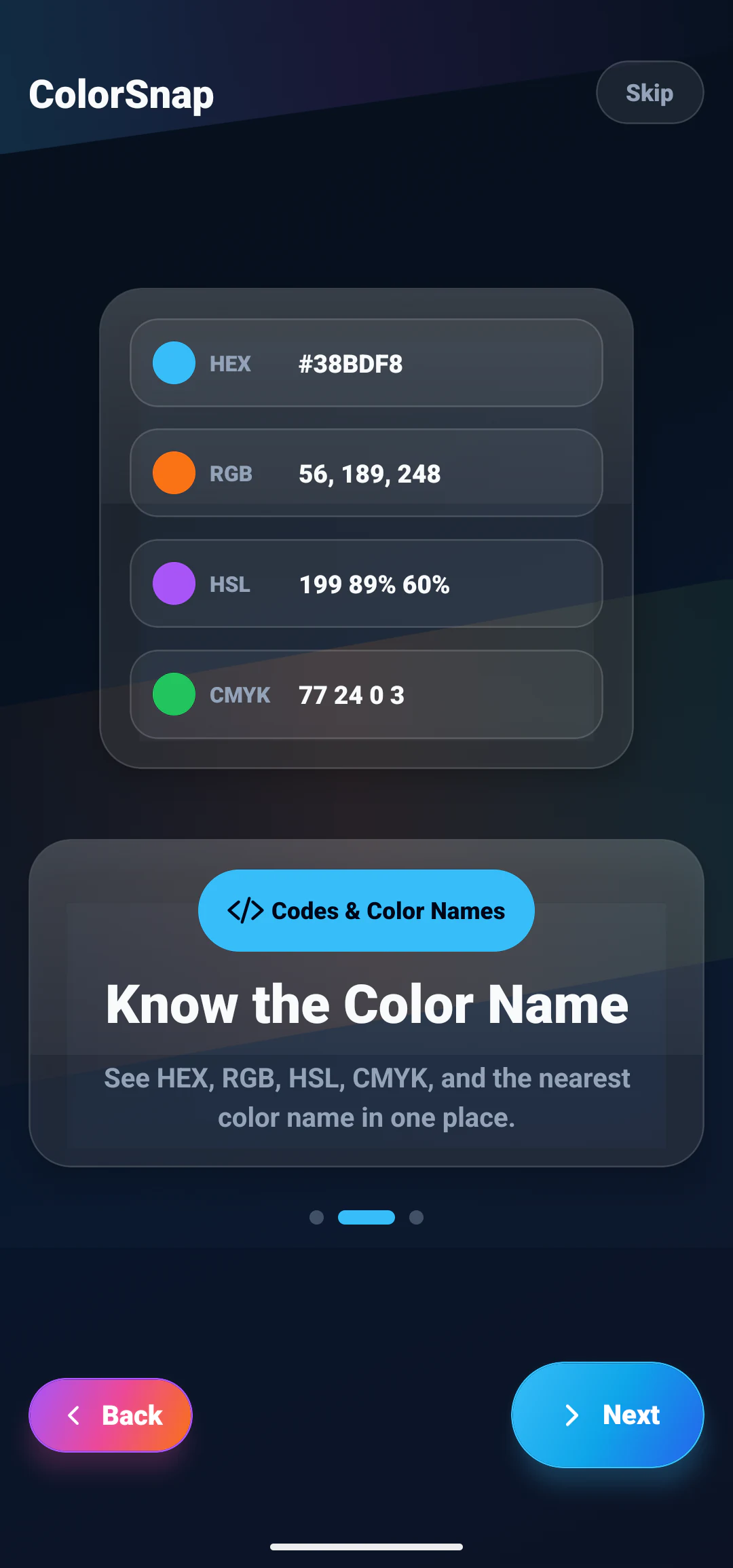
Every result carries four formats. HEX is the one you paste into CSS and design tools. RGB shows the individual screen channels. HSL makes hue and lightness easy to nudge. CMYK gives a print-oriented reference, useful as a starting point rather than a substitute for a printer profile.
A code is precise but hard to talk about. Alongside the values, ColorSnap returns the nearest readable color name, which is what you want when describing a choice to a client, writing a note to yourself, or remembering which of two similar blues you settled on.
Most photos hold more than one useful shade. The palette tool pulls a set of representative colors from the same image, which is often how a mood board, a brand direction, or an interface theme actually starts: with a picture you liked.
A color that looks good is not always a color you can put text on. The built in contrast check compares a foreground and background pair so you can see whether the combination holds up before it reaches a screen.
Nothing, for color detection. Images you pick or capture are processed on the phone, which is why the core tools keep working with no signal. The only exception is a screenshot you deliberately attach to a Help and Support message.
From the ColorSnap blog
Longer explanations of the ideas behind the app: sampling from photos, reading color codes, and building palettes from images.
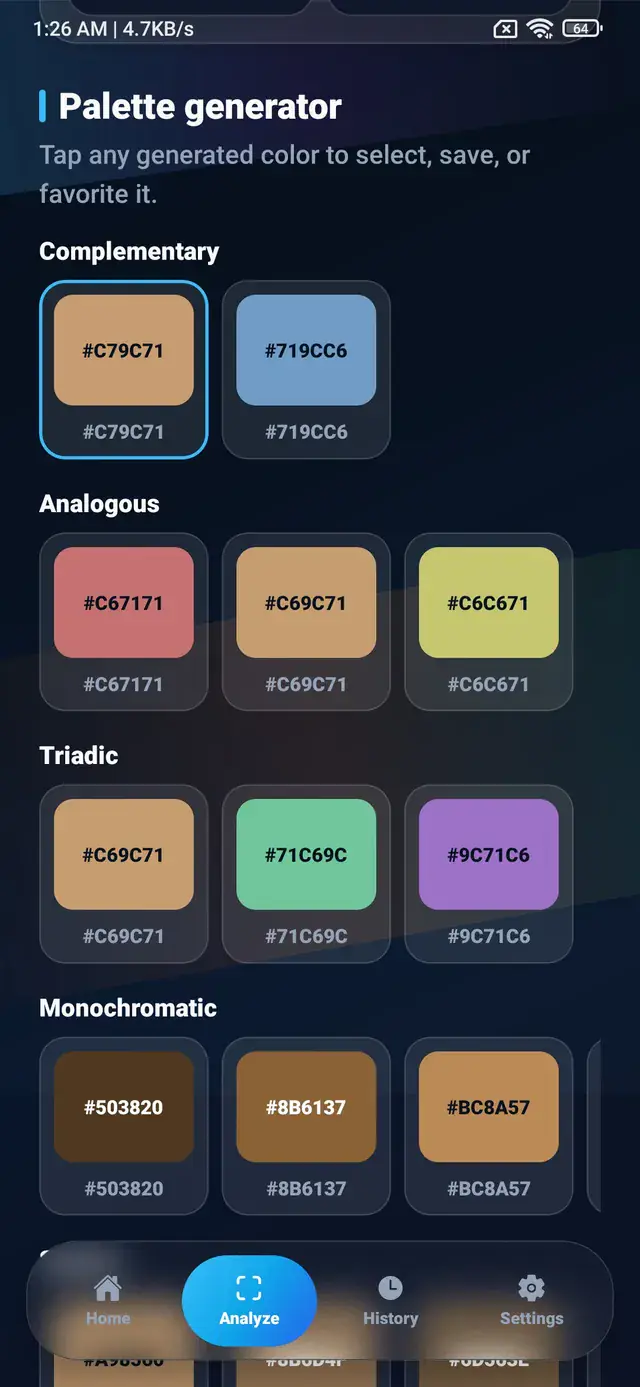
Turn a single HEX value into a working palette using complementary, analogous, triadic, and monochromatic relationships, plus tints, shades, and roles.
Sampling the same photo twice can return two different HEX codes. Learn what causes the variation and how sample size, method, and shape steady the result.
Learn how to pick a color from any photo and find its color name, HEX, RGB, HSL, and CMYK values.
FAQ
Short answers about how ColorSnap works, what it costs, and what happens to your images.
ColorSnap is an Android app that identifies the color at any point in a gallery image or camera photo. It shows the nearest color name together with HEX, RGB, HSL and CMYK values.
Yes. Photo color picking, color codes, color names and palette extraction are all free and need no account. Optional paid features may arrive in a later version, and the app listing and this website will say so if that happens.
Yes. Open any photo, tap the spot you want, and the app returns that pixel area as HEX, RGB, HSL and CMYK.
Yes. You can take a photo and sample it, or use the Live Camera Color Picker to move a target around the viewfinder and scan a color without saving an image first.
Yes. Every result includes the HEX code, so you can paste it straight into CSS, a design tool, or project notes.
Yes. Each detected color is shown in HEX, RGB, HSL and CMYK at the same time, alongside the nearest color name.
Download
Pick a color out of any photo and walk away with its name, its HEX code, and the three other formats you might need.