
Identify and pick colors
- Gallery color picker for saved photos and screenshots.
- Camera color identifier for real-world color references.
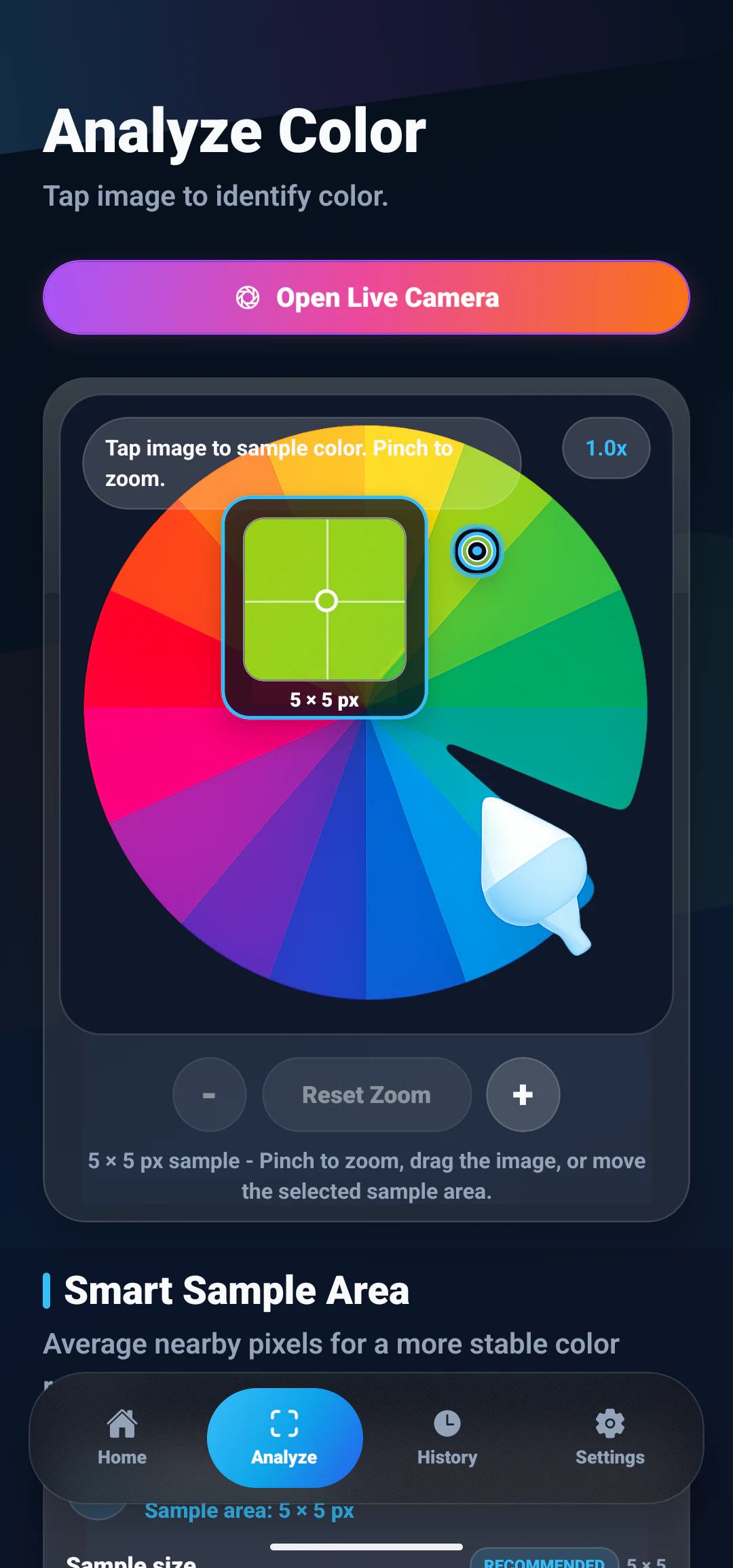
- Tap exact areas to inspect one color with precision.
- Manual HEX input for known colors.
Features
Color identification, photo picking, palette extraction, favorites, history, contrast checks and CSS export, all in one free Android app.
Features
12 tools that cover the whole path from spotting a color to reusing it in a project.
Pick colors directly from saved images, screenshots, references, and mood boards.
Identify colors from camera photos when inspiration appears in the real world.
Tap the exact area you want and get focused color details without guessing.
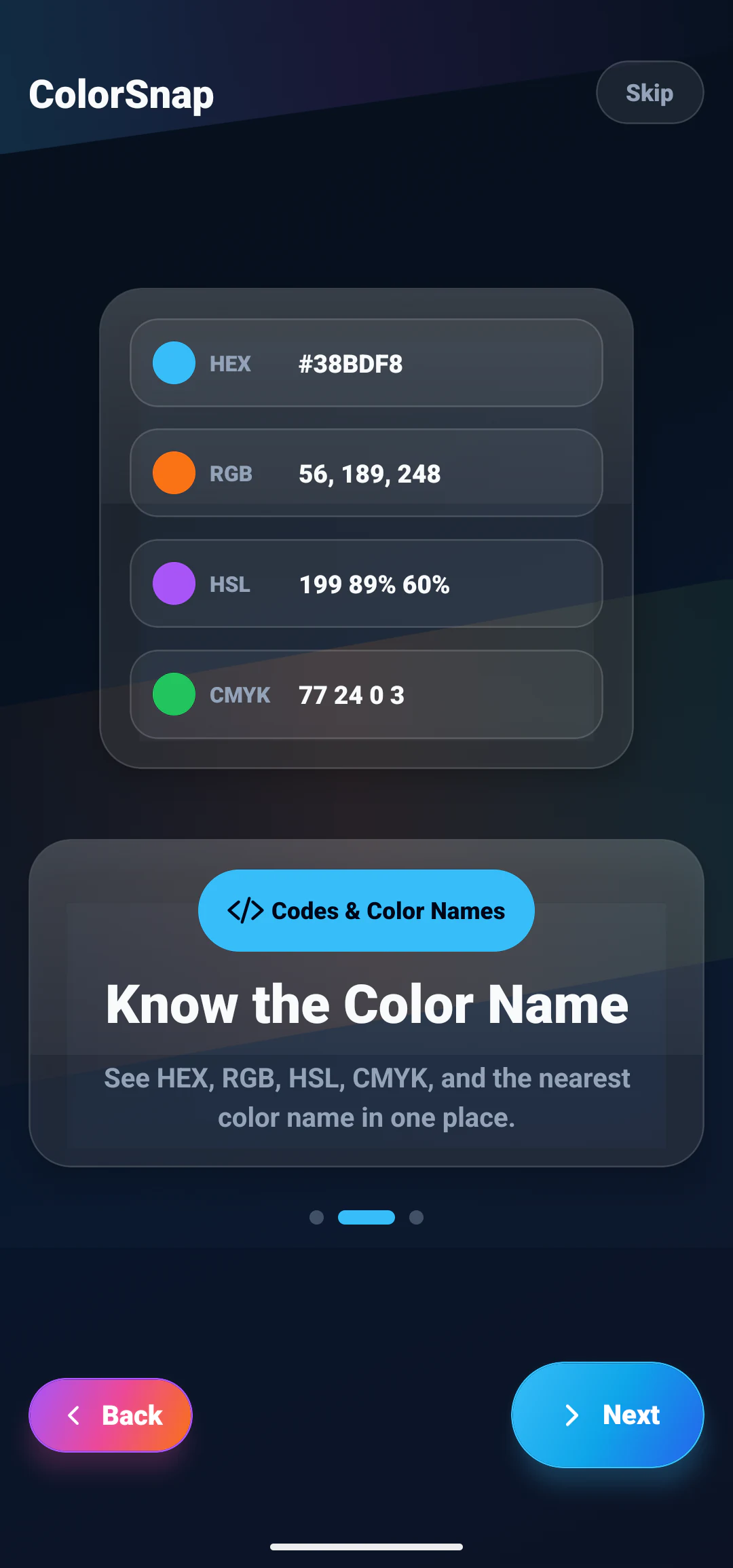
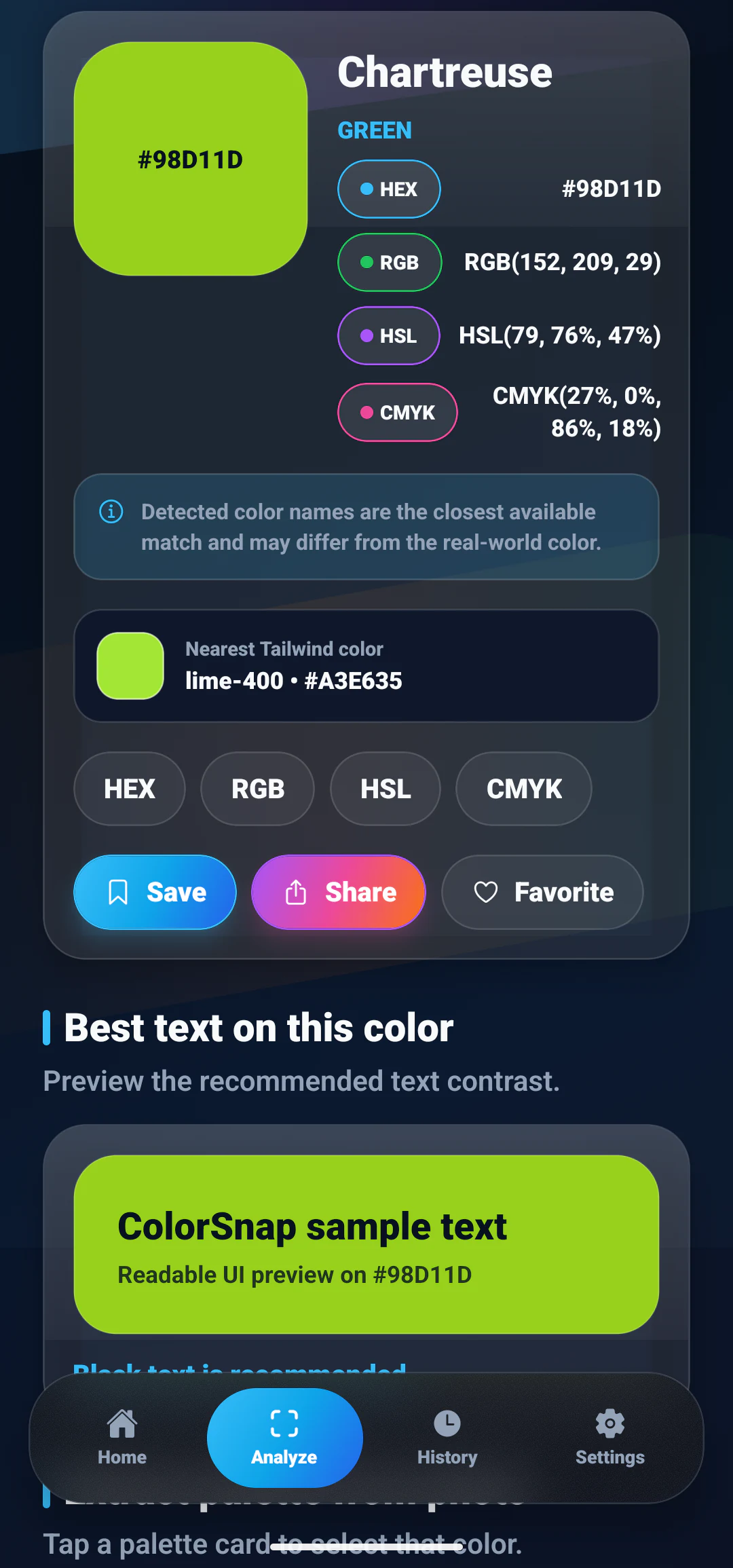
View practical color formats for design tools, CSS, apps, print, and notes.
Find the nearest readable color name so every shade is easier to describe.
Extract a useful palette from photos and build a complete visual direction.
Enter a HEX value manually to inspect, compare, and reuse known colors.
Check color contrast for readable combinations in UI and graphic work.
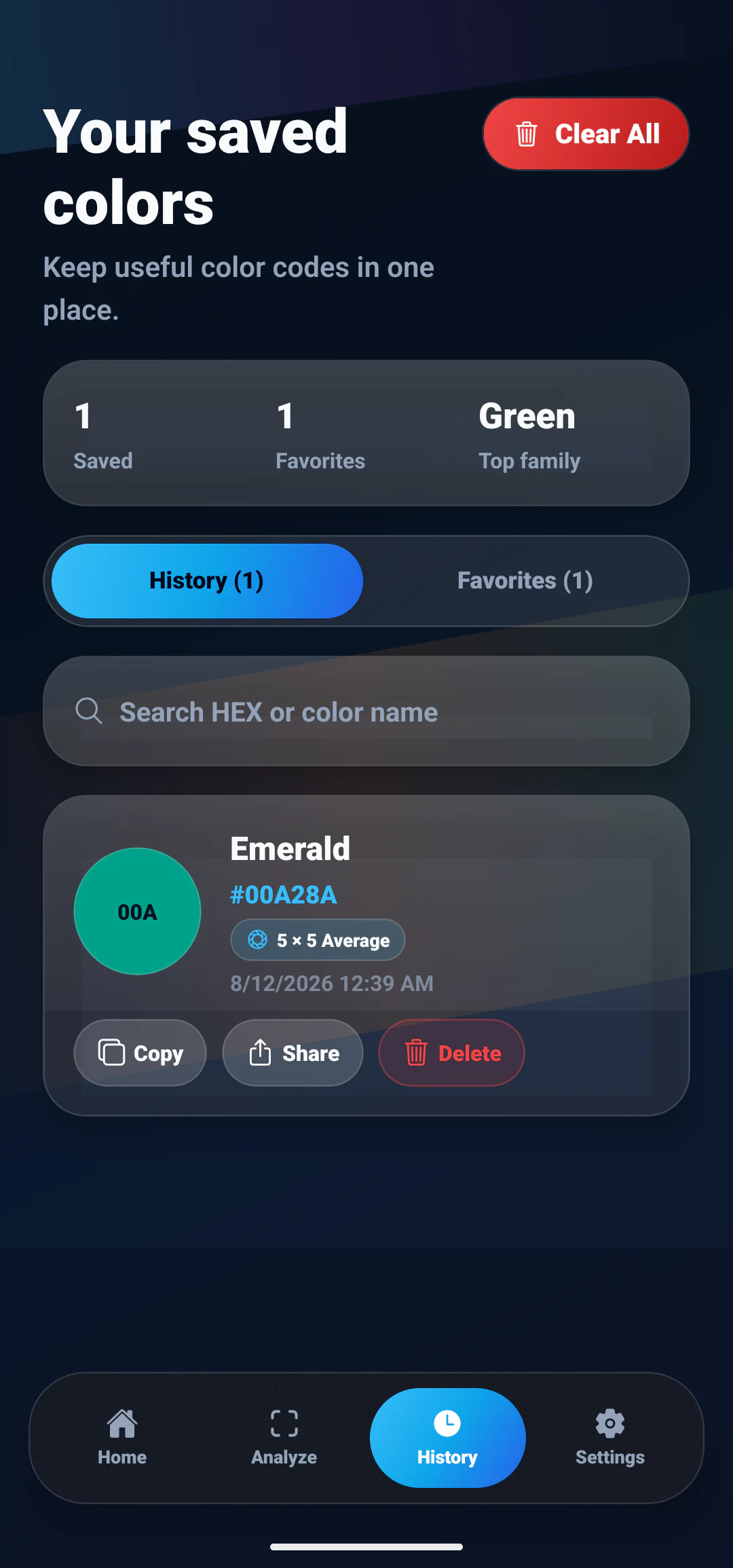
Save colors you use often and keep your best choices close at hand.
Return to recently identified colors without repeating the same work.
Export colors as CSS variables for fast handoff into web and app projects.
Everything runs on the device. No account, no ads, no network needed.
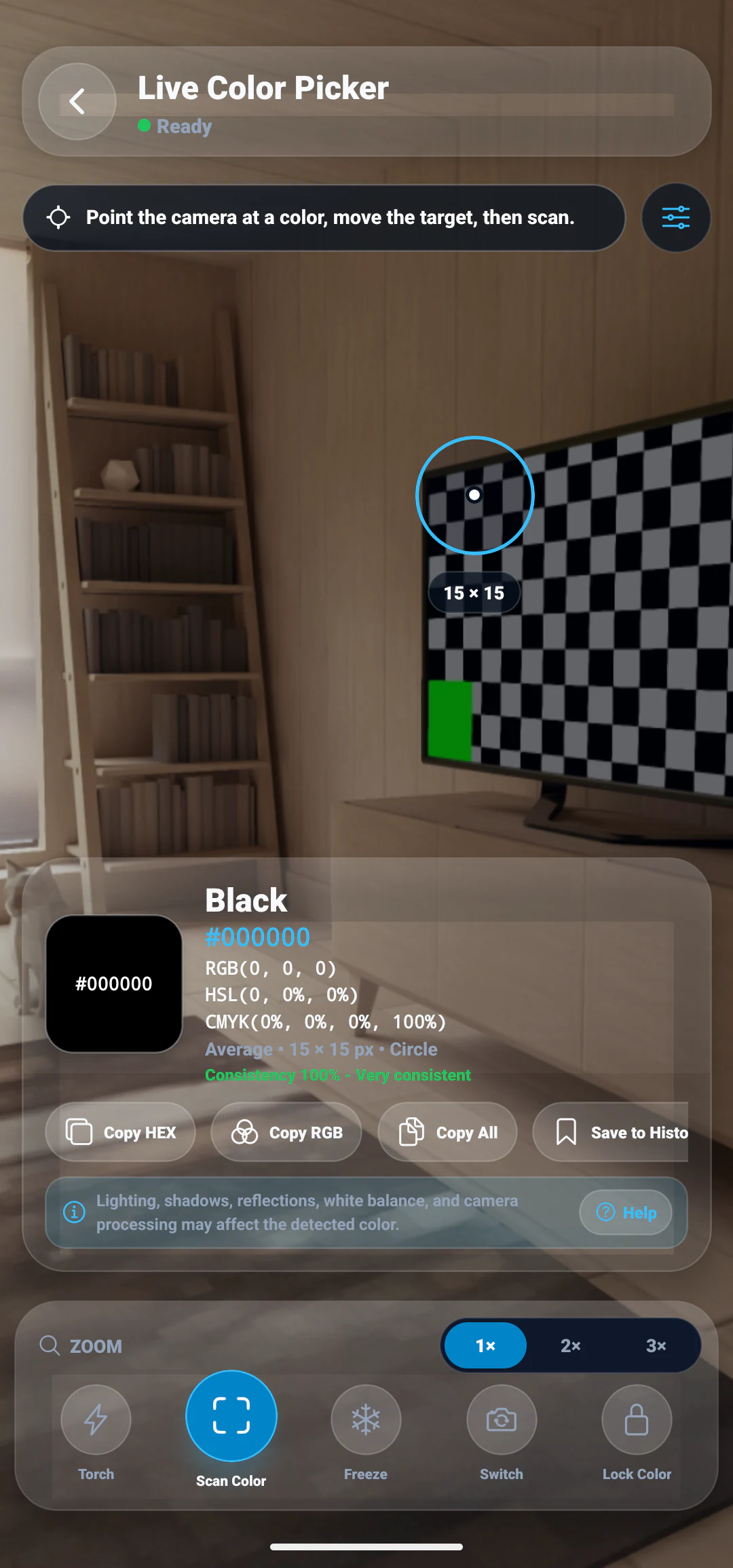
LIVE CAMERA COLOR PICKER
Point the camera at something, move the target over the part you care about, and scan. You get the closest color name with HEX, RGB, HSL and CMYK values, without saving a photo first.
Screenshots
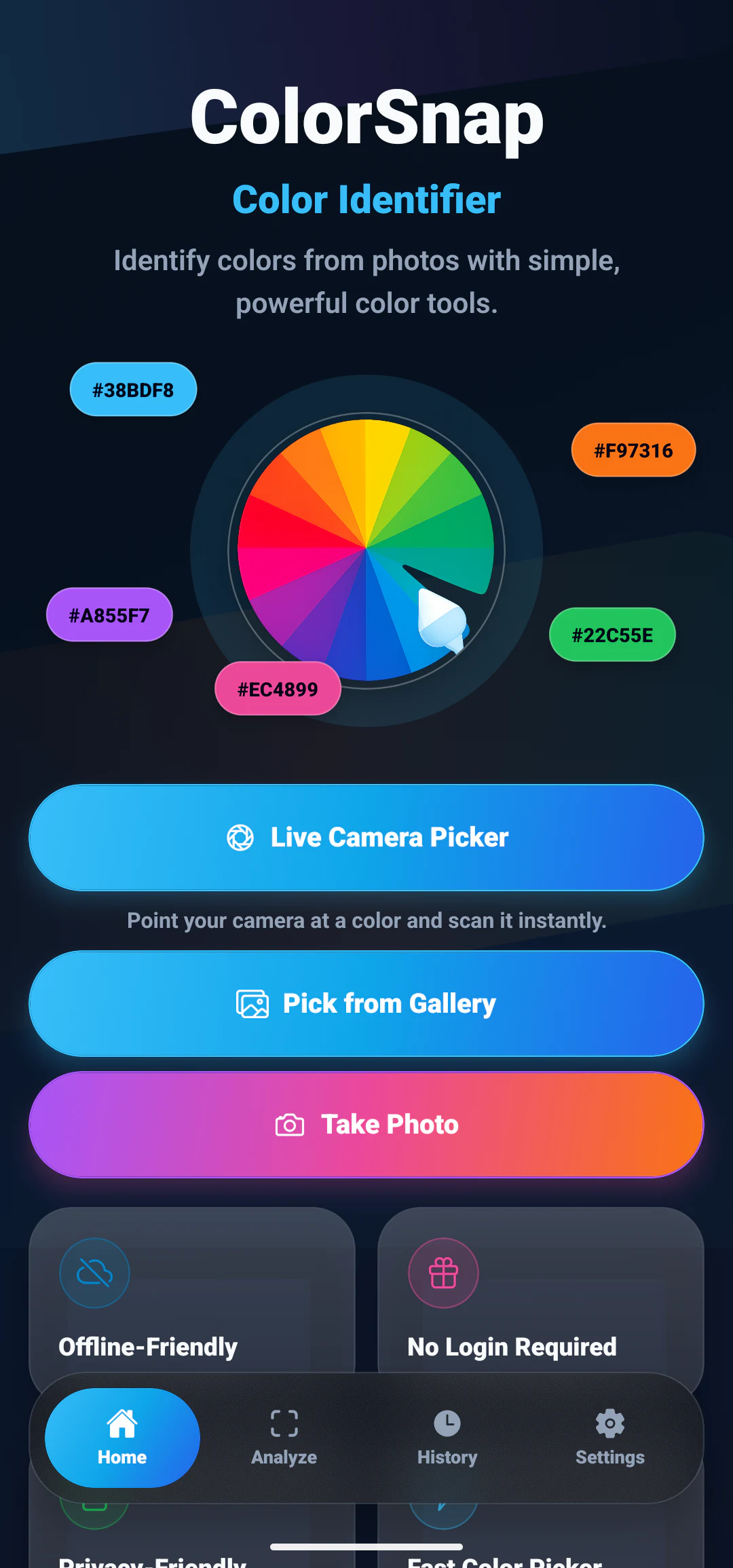
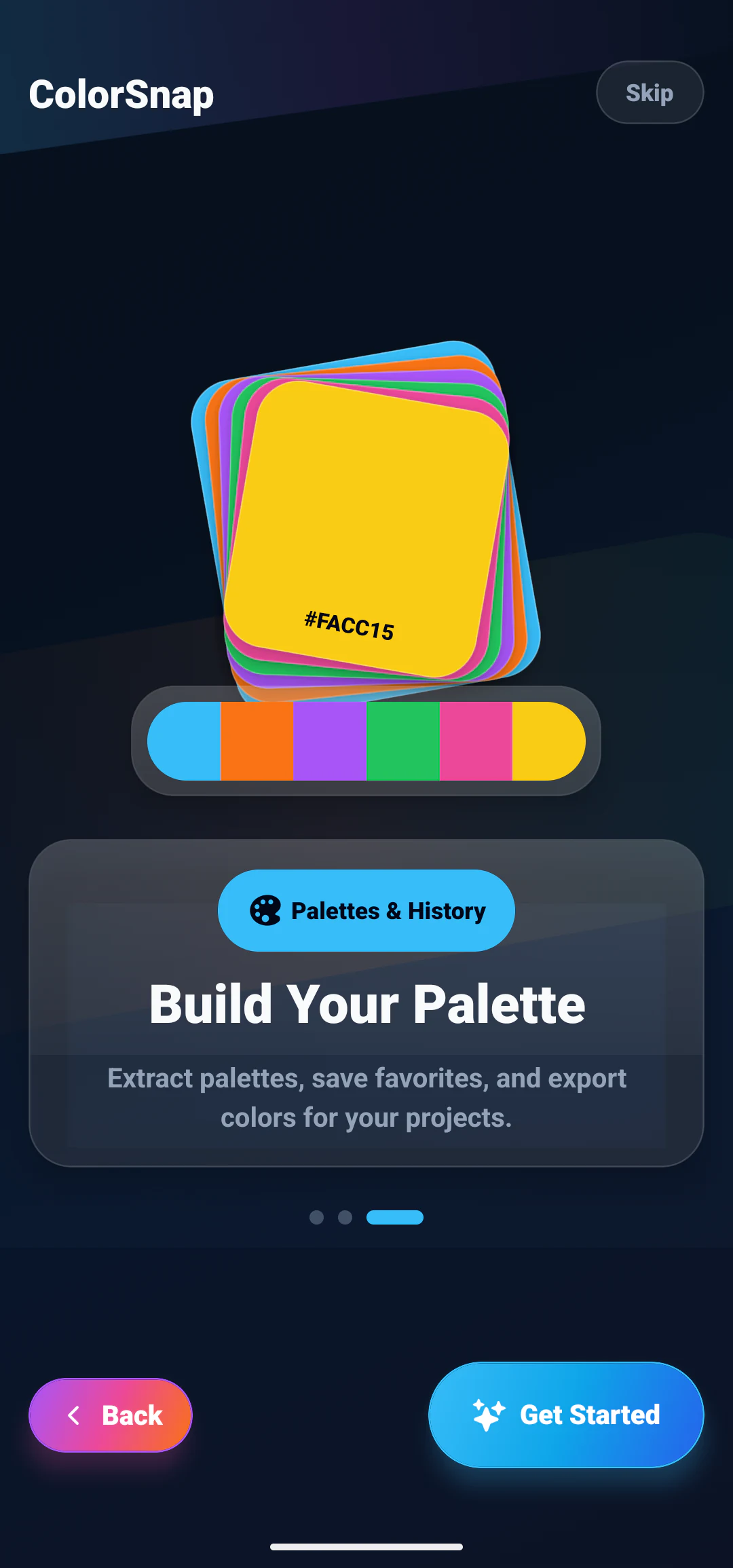
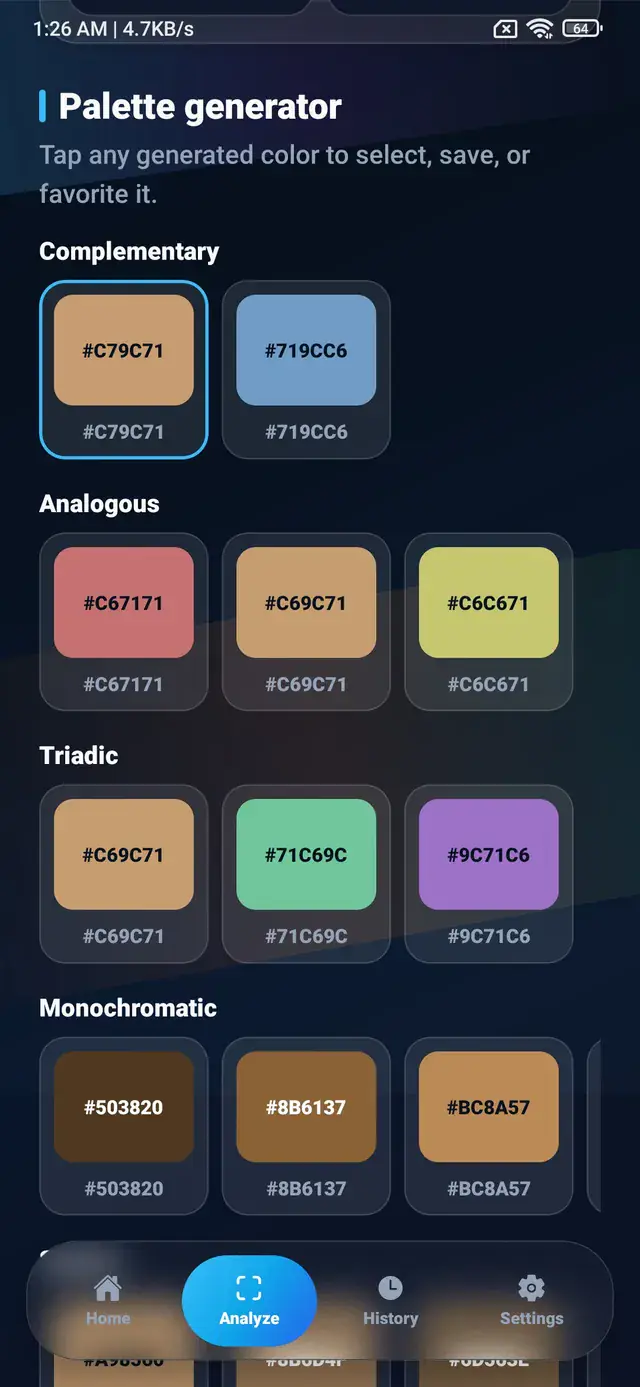
The path a color takes, from the photo you open to the palette you keep.
Interactive demo
Pick a swatch or type your own HEX value to see what the app returns for a sampled color: the nearest name, four format conversions, and whether black or white text reads better on top of it.
#38BDF8Detected color details
Palette extraction
A picture usually holds more than one shade worth keeping. ColorSnap pulls out a set you can copy, save and reuse, which is often how a design direction actually begins.
#2A1458#EC4899#F97316#FACC15#FFF7AD#07111F#0284C7#38BDF8#67E8F9#A7F3D0#052E16#166534#22C55E#86EFAC#FACC15Learn more about identifying one color, picking exact colors from a photo, or extracting a complete palette from an image.
Helpful reading
Use these guides to understand the features, formats, and palette workflows behind ColorSnap.
Learn which picking, naming, palette, history, and contrast tools make an app useful.
Read guideCompare three common color formats and choose the right one for each workflow.
Read guideTurn photo colors into a compact, role-based palette for design or development.
Read guideFAQ
Short answers about how ColorSnap works, what it costs, and what happens to your images.
Yes. Photo color picking, color codes, color names and palette extraction are all free and need no account. Optional paid features may arrive in a later version, and the app listing and this website will say so if that happens.
Yes. Color detection runs on the device, so the core tools keep working without a network connection.
Yes. Any value can be copied to the clipboard, and colors can be shared from the app.
Yes. Colors can be marked as favorites, and recent results stay in the history list so you can return to them.
Download
Pick a color out of any photo and walk away with its name, its HEX code, and the three other formats you might need.