
Tap a photo to pick exact colors
Open a saved image, screenshot, artwork, or camera photo and tap the precise pixel area you want. ColorSnap turns that selected point into a practical color result instead of making you estimate by eye.
Photo color picker
ColorSnap lets you tap an image to pick exact colors from gallery photos or camera captures. Copy the HEX color code, compare RGB values, and keep useful colors for your next project.
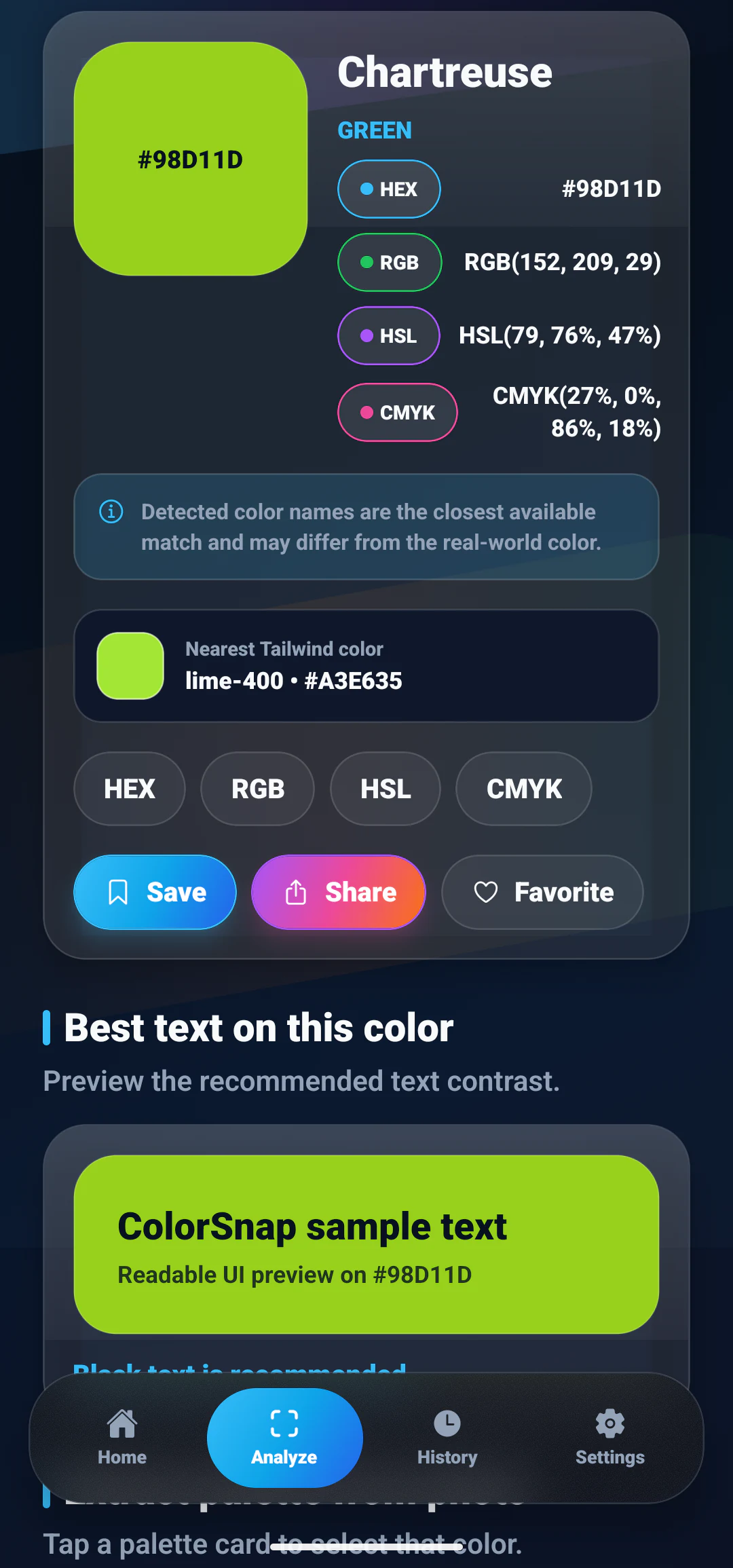
Open a saved image, screenshot, artwork, or camera photo and tap the precise pixel area you want. ColorSnap turns that selected point into a practical color result instead of making you estimate by eye.
The picker shows HEX, RGB, HSL and CMYK values so you can move from a photo to a design file, CSS variable, app style, or shared note with less friction.
ColorSnap is focused on practical Android color picking: identify a color, copy the code, save favorites, and continue designing or building without login screens or account friction.
Interactive demo
Pick a swatch or type your own HEX value to see what the app returns for a sampled color: the nearest name, four format conversions, and whether black or white text reads better on top of it.
#38BDF8Detected color details
Use the palette generator to extract a set of matching colors from the same image, or review all ColorSnap features for the complete workflow.
Helpful reading
Go beyond copying one value with practical explanations of color codes and designer workflows.
Learn how six-digit HEX values represent red, green, and blue screen channels.
Read guideCompare compact codes, direct channel values, and intuitive color adjustments.
Read guideExplore practical ways to sample references, build palettes, and document color decisions.
Read guideFAQ
Short answers about how ColorSnap works, what it costs, and what happens to your images.
Yes. Open any photo, tap the spot you want, and the app returns that pixel area as HEX, RGB, HSL and CMYK.
Yes. Every result includes the HEX code, so you can paste it straight into CSS, a design tool, or project notes.
Yes. Each detected color is shown in HEX, RGB, HSL and CMYK at the same time, alongside the nearest color name.
Yes. Any value can be copied to the clipboard, and colors can be shared from the app.
Download
Pick a color out of any photo and walk away with its name, its HEX code, and the three other formats you might need.