
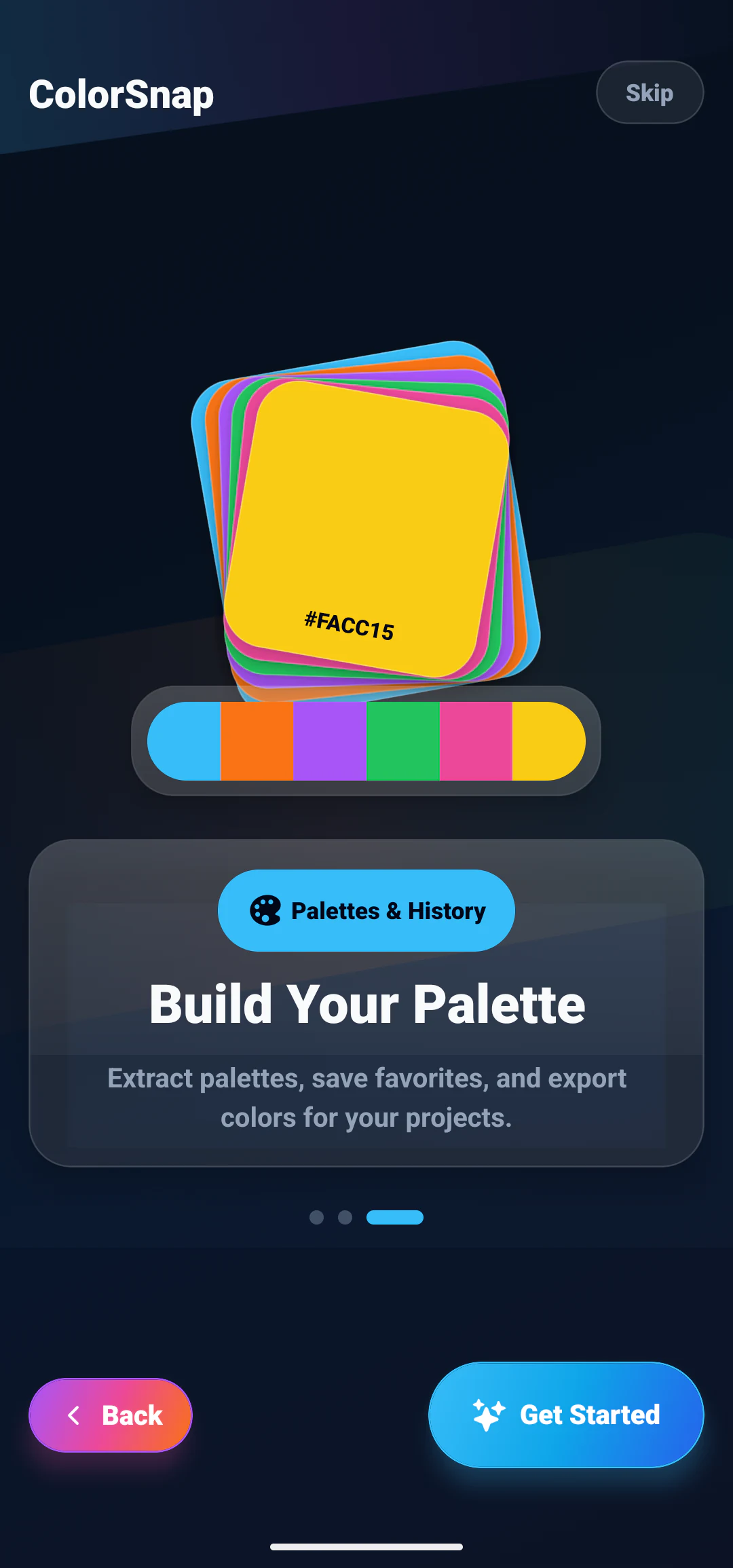
How to Create a Color Palette From an Image
Learn how image-based color palettes work and how to extract useful colors from photos.
ColorSnap topics
Turn colors from images into focused palettes for mobile apps, visual design, and creative work, then refine those colors for hierarchy, contrast, and consistent reuse.
From inspiration to a system
Images contain many colors created by light, texture, and detail. A palette generator reduces that complexity into representative swatches, but the strongest result still needs human decisions. Remove near-duplicates, keep useful light and dark anchors, and assign roles such as surface, text, primary action, and accent.
App palettes also need readable foreground combinations and clear semantic states. Use contrast checks, test colors inside real components, and preserve selected values with meaningful names. These guides connect image extraction with practical designer workflows.
Related articles
Learn image extraction, explore app palette directions, and fit color picking into daily design work.
Learn how image-based color palettes work and how to extract useful colors from photos.
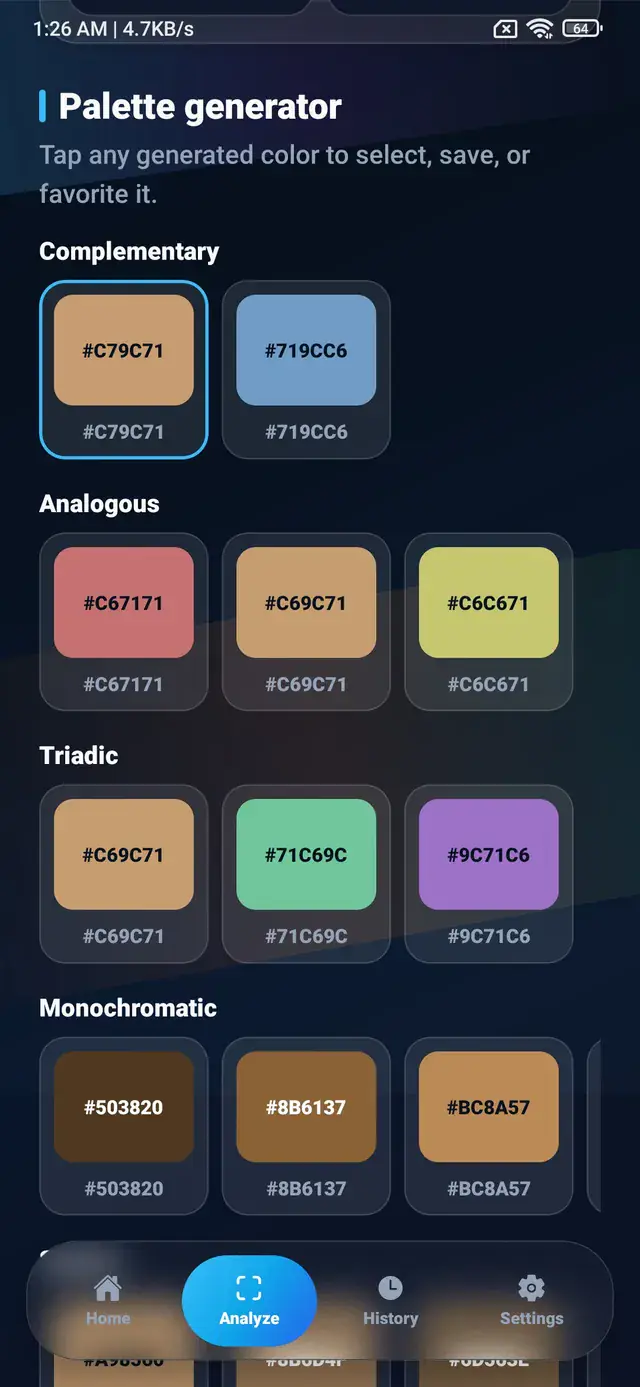
Turn a single HEX value into a working palette using complementary, analogous, triadic, and monochromatic relationships, plus tints, shades, and roles.
Explore practical color palette ideas for modern mobile apps, UI design, and creative projects.
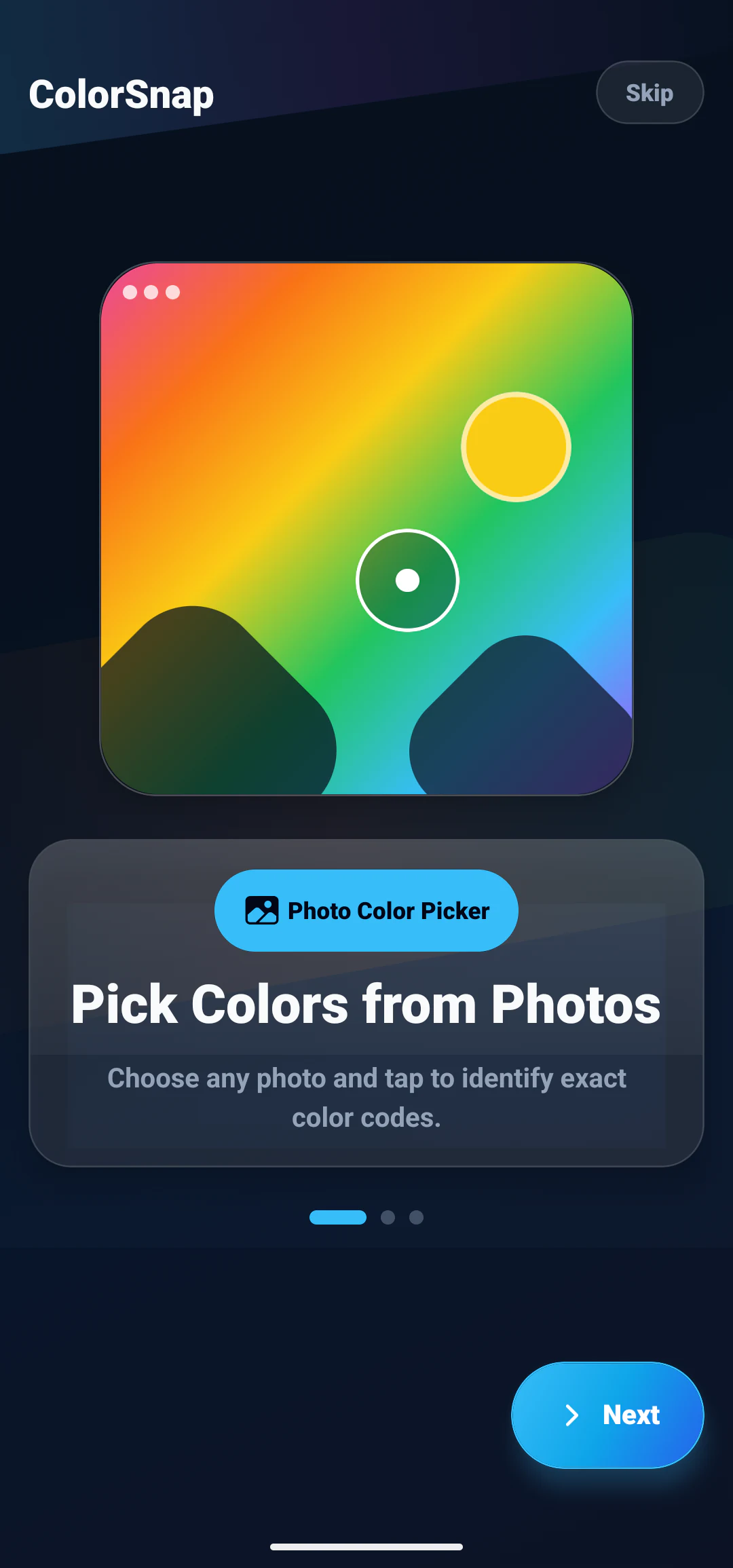
Practical ways designers can use photo color picking, HEX values, palette extraction, and contrast checking.
Build from an image
Use ColorSnap to generate image palettes, save useful colors, check combinations, and export values for design and development.