
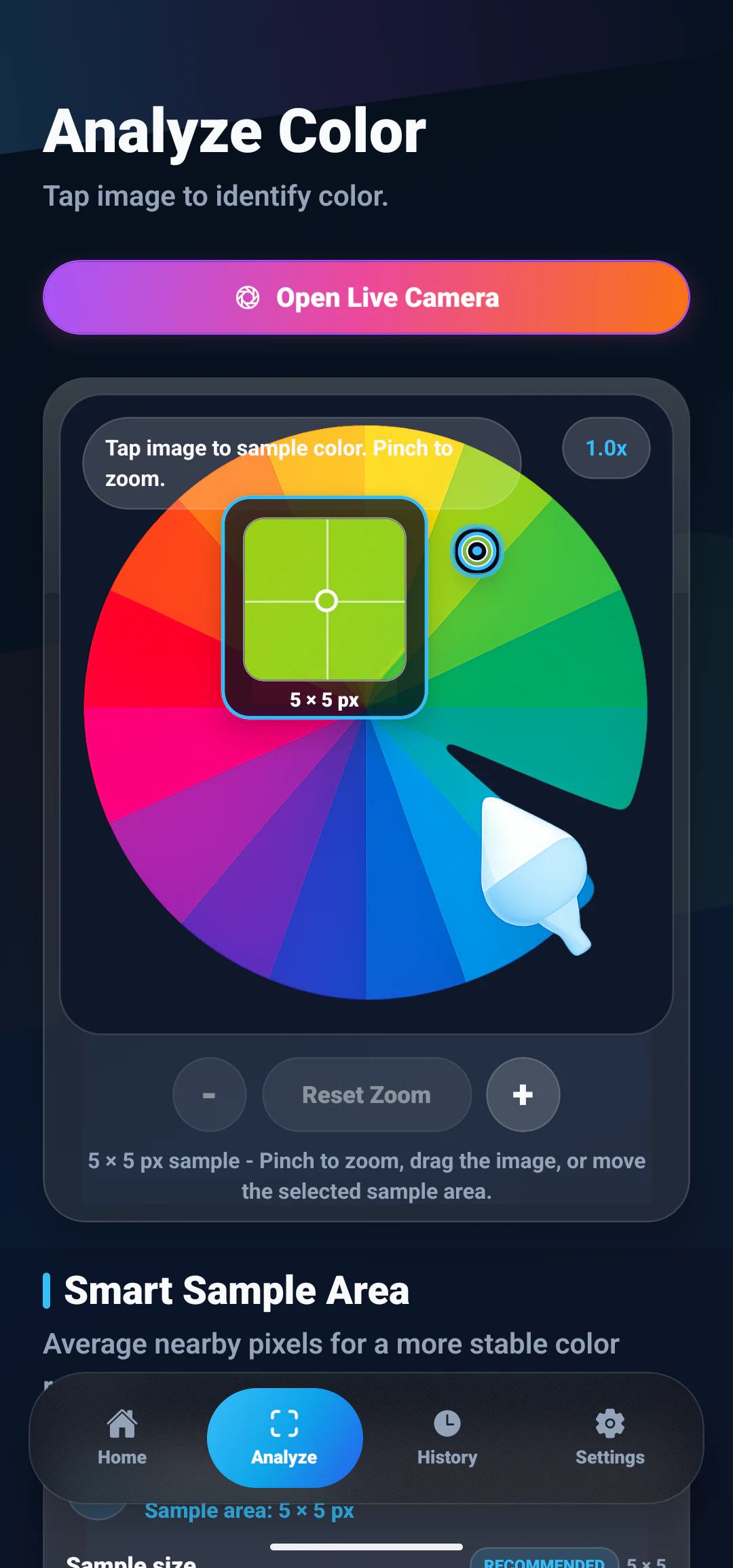
How to Identify a Color From a Photo on Android
Learn how to pick a color from any photo and find its color name, HEX, RGB, HSL, and CMYK values.
ColorSnap topics
Learn how to select exact colors from gallery images and camera photos, understand what the sampled pixel represents, and move useful values into a design or development workflow.
From image to color value
A photo color picker reads the pixel at the point you select and translates it into a color name and formats such as HEX, RGB, HSL, and CMYK. Gallery images are useful for screenshots, artwork, and saved references, while camera images connect the same workflow to objects and scenes around you.
Image results depend on the source. Lighting, white balance, texture, reflections, and compression can all change nearby pixels. The guides below explain precise selection, why repeated samples of one surface can disagree, camera limitations, and the features that help you compare, save, and reuse a result.
Related articles
Use these practical guides to select a source, target the right area, and interpret the returned values.
Learn how to pick a color from any photo and find its color name, HEX, RGB, HSL, and CMYK values.

Sampling the same photo twice can return two different HEX codes. Learn what causes the variation and how sample size, method, and shape steady the result.
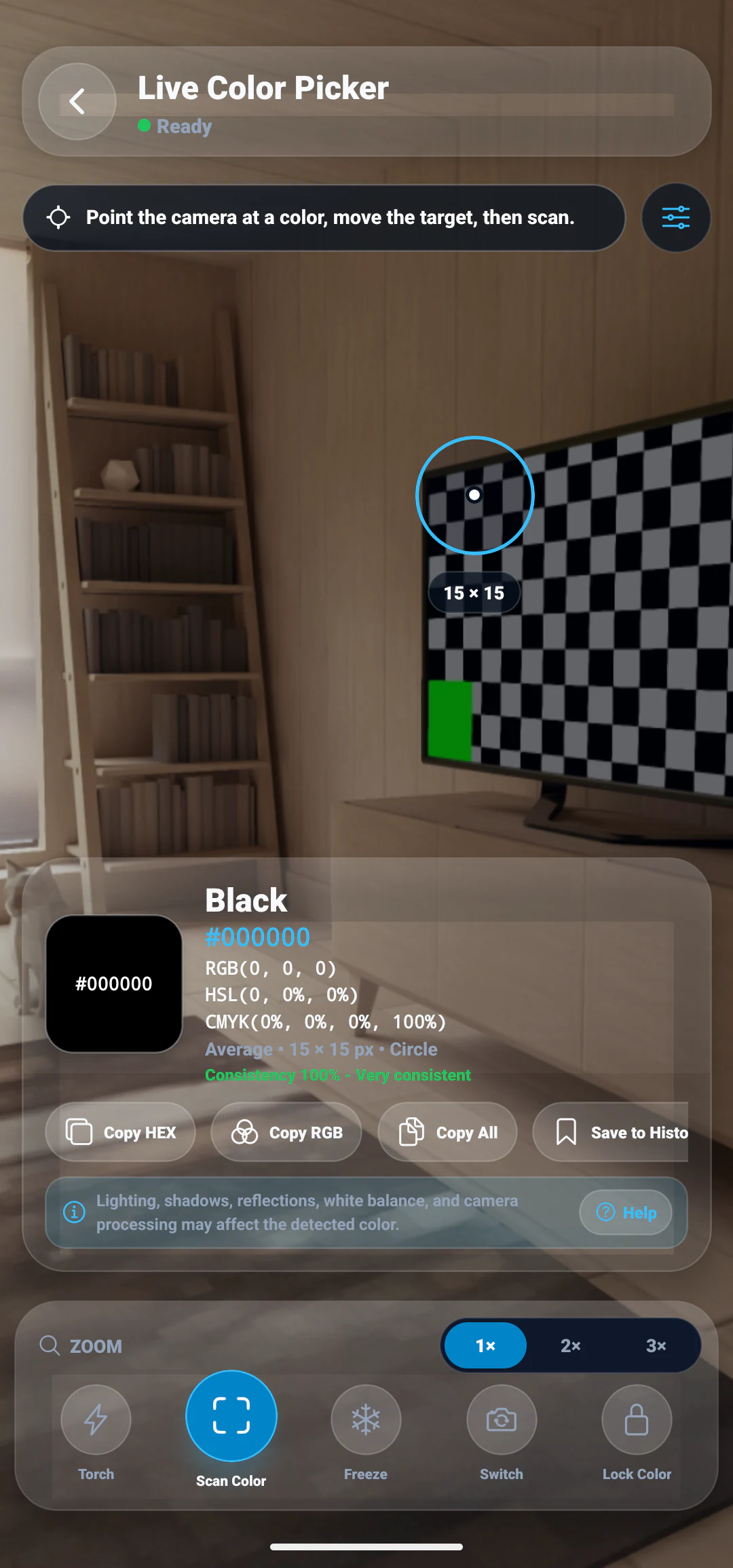
Learn how camera-based color identification helps you detect colors from real-world objects and scenes.
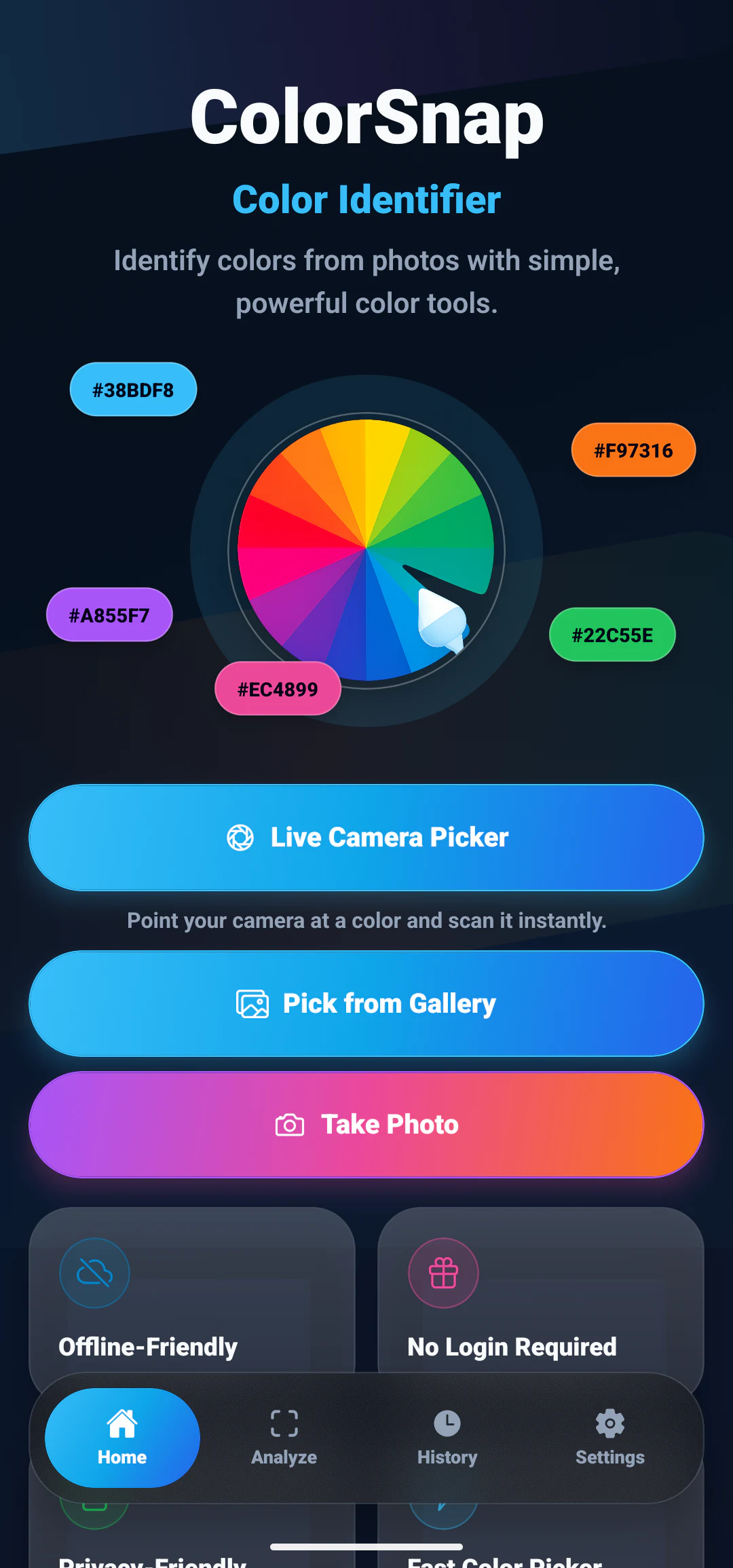
Explore the most useful features in a color picker app, including photo picking, color names, palettes, and saved history.
Try the workflow
Explore ColorSnap tools for exact image selection, color names, multiple code formats, history, and saved colors.