
What Is a HEX Color Code? Simple Guide With Examples
Understand HEX color codes, how they work, and why designers and developers use them.
ColorSnap topics
Understand the formats used to describe digital and print-oriented colors, from compact HEX values to RGB channels, adjustable HSL values, and CMYK references.
Choose the right format
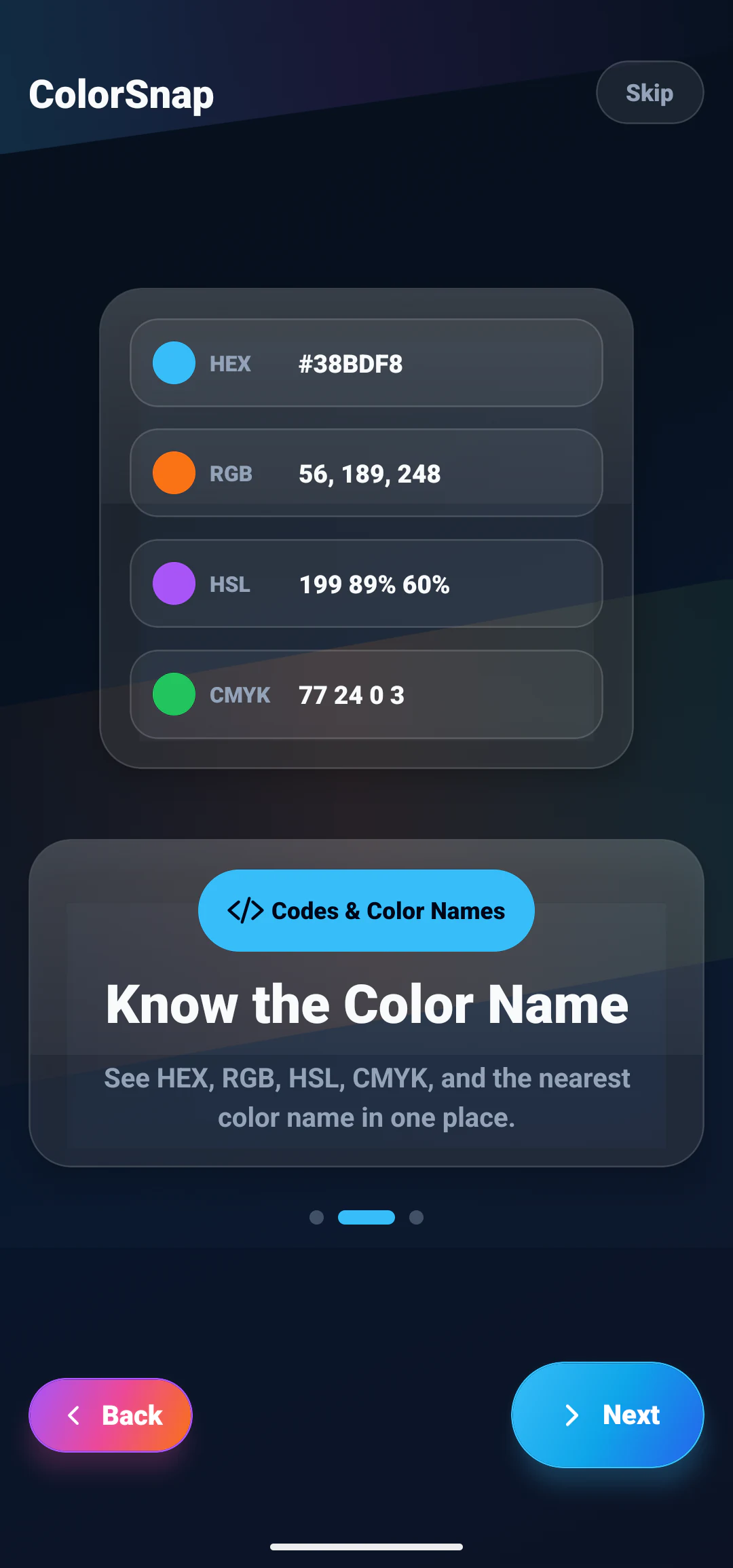
HEX and RGB describe red, green, and blue screen channels in different notation. HEX is compact and common in CSS and design handoff, while RGB makes individual channel values easier to inspect. HSL reorganizes a screen color into hue, saturation, and lightness, which can make related color adjustments easier to understand.
CMYK describes cyan, magenta, yellow, and black for print-oriented workflows. A converted CMYK value is a starting reference rather than a replacement for printer profiles and physical proofs. These guides help you choose a format based on where the color will be used.
Related articles
Start with HEX fundamentals, compare common formats, then connect exact codes with readable names.
Understand HEX color codes, how they work, and why designers and developers use them.
Compare HEX, RGB, and HSL color formats with simple examples for design and development.
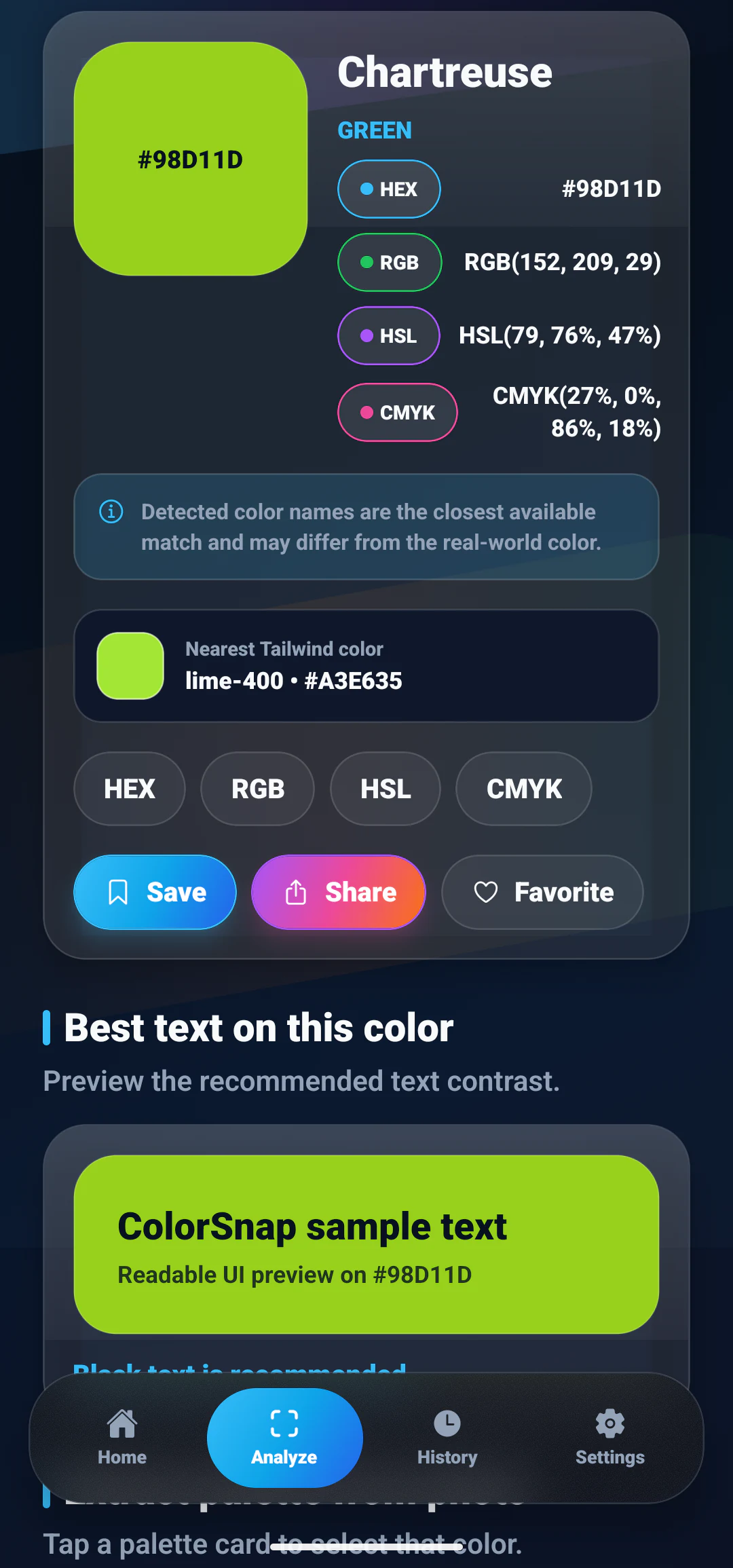
Learn the difference between color names, HEX codes, RGB values, and why exact color values matter.
Apply what you learn
Pick colors from photos and view HEX, RGB, HSL, CMYK, and nearby color names in one Android workflow.